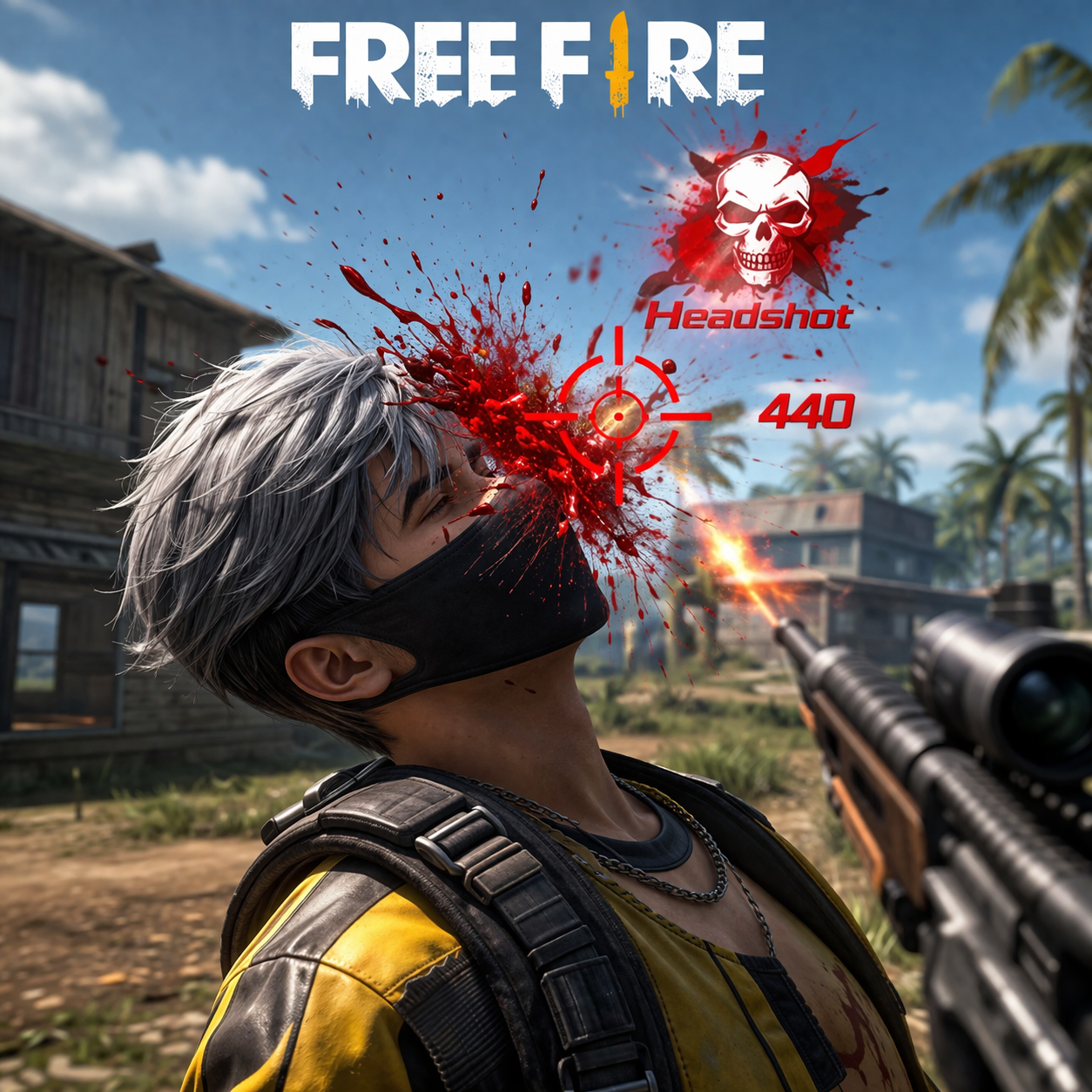
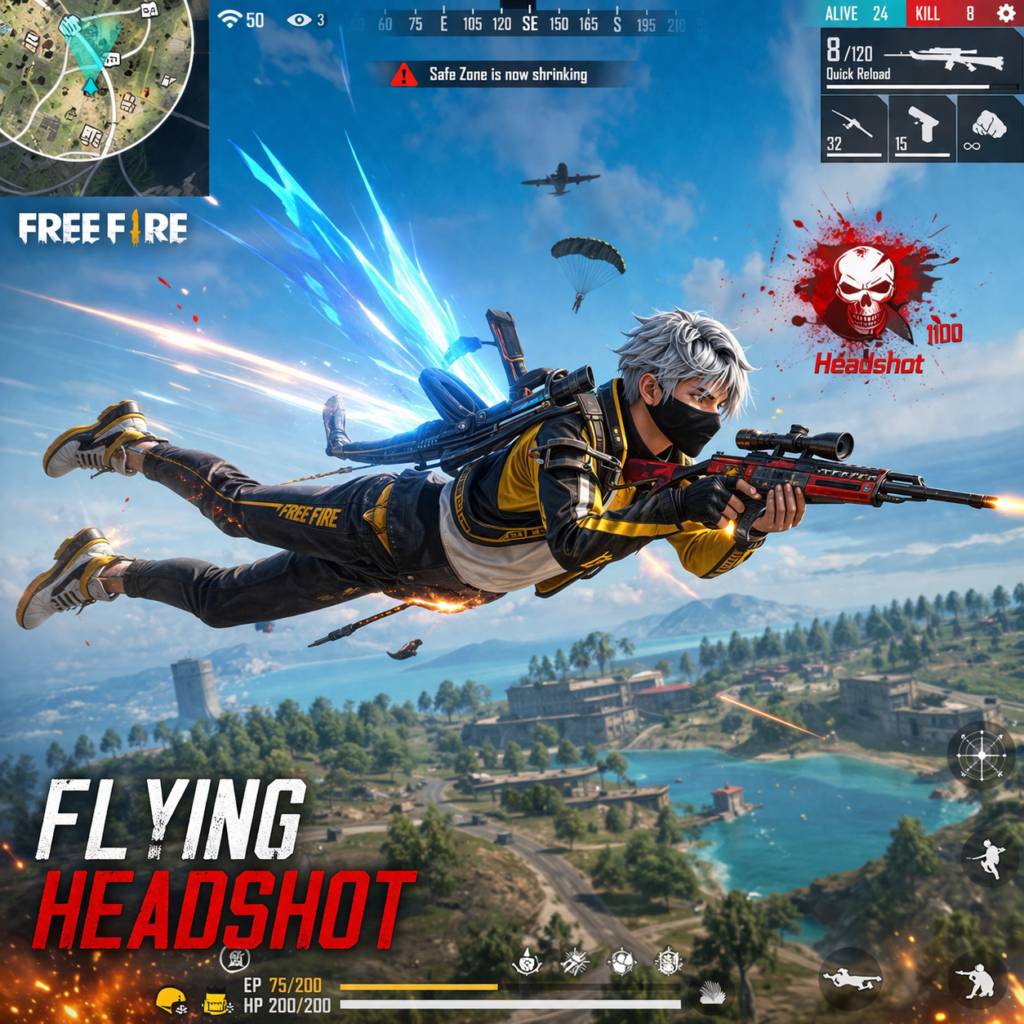

Free Fire is one of the most popular battle royale games, where players compete using skill, strategy, and quick reflexes. However, many players search for shortcuts like the Free Fire Flying Panel, which is widely discussed in gaming communities.
What is a Free Fire Flying Panel?
A Free Fire Flying Panel is a type of third-party tool or modified APK that claims to give players special abilities, especially the ability to fly or move freely in the air during gameplay. This is not a feature of the official game but is advertised as a hack or cheat.
These panels are part of a broader category of Free Fire panel tools, which modify the game to provide unfair advantages.
Features Claimed by Flying Panels
Flying panels are often promoted with features such as:
- Flying or air-walking ability
- Auto headshot or aimbot
- No recoil shooting
- Enemy tracking (ESP)
- Unlimited health or ammo
These features sound powerful, but most of them are either fake or illegal modifications.
How Do These Panels Work?
Flying panels usually work by modifying the game’s code or injecting scripts into the original Free Fire app. This allows the tool to interfere with normal gameplay mechanics.
However, since they are not created or approved by the official developers, they violate the game’s rules.
Risks of Using Free Fire Flying Panel
1. Permanent Account Ban
Garena has strict anti-cheat systems. If a player uses any panel or hack, their account can be permanently banned without recovery.
2. Malware and Data Theft
Most flying panel APK files come from unknown sources and may contain:
- Viruses
- Spyware
- Data-stealing programs
These can harm your device and steal personal information.
3. Fake Promises
Many panels claim features like “100% working flying hack” or “anti-ban,” but in reality:
- Features may not work
- Panels may be scams
- Users may lose money or accounts
4. Unfair Gameplay
Using such tools gives an unfair advantage and ruins the experience for other players. Free Fire is designed to reward skill, not cheats.
Why You Should Avoid Flying Panels
Although flying panels may look exciting, they are:
- Illegal in the game
- Unsafe for your device
- Risky for your account
There is no official or safe flying panel approved by Free Fire developers.
Better Alternatives
Instead of using flying panels, players should:
- Practice aiming and movement
- Adjust sensitivity settings
- Learn strategies from pro players
- Play regularly to improve skills
Conclusion
The Free Fire Flying Panel is a risky and unauthorized tool that promises easy wins but often leads to serious consequences like account bans and security threats. The best way to enjoy Free Fire is by playing fairly and improving your skills naturally.
🎮 Gaming Sensitivity Optimizer
Professional Recoil Control & Sensitivity Calibration Dashboard
Optimized settings for Free Fire, CODM, and PUBG Mobile on PC Emulators
🔥Free Fire
- General90 – 100
- Red Dot85 – 95
- 2x Scope75 – 85
- 4x Scope65 – 75
- Sniper Scope50 – 60
- Mouse DPI800 – 1000
🎯CODM
- Standard70 – 90
- ADS120 – 140
- Tactical Scope100 – 120
- 3x/4x Scope80 – 100
- Sniper Scope50 – 65
- Mouse DPI1000 – 1200
🏆PUBG Mobile
- Camera (No Scope)60 – 80
- ADS (No Scope)70 – 90
- Red Dot50 – 70
- 4x Scope20 – 30
- 6x Scope12 – 18
- Mouse DPI800 – 1000
📊 Sensitivity Calibration Comparison Table
| Setting Category | Free Fire | CODM | PUBG Mobile |
|---|---|---|---|
| General / Standard (No Scope) | 90 – 100 | 70 – 90 | 60 – 80 |
| Red Dot / ADS Base | 85 – 95 | 120 – 140 | 50 – 70 |
| 2x / Tactical Scope | 75 – 85 | 100 – 120 | 40 – 60 |
| 3x / 4x Scope | 65 – 75 | 80 – 100 | 20 – 35 |
| Sniper / 6x / 8x Scope | 50 – 60 | 50 – 65 | 8 – 18 |
| Recommended Mouse DPI | 800 – 1000 | 1000 – 1200 | 800 – 1000 |
💡Aiming Philosophy
Free Fire: Drag Up Meta with high sensitivity for aggressive vertical movements and rapid headshots.
CODM: Fast-paced arcade tracking with high ADS sensitivity for quick target acquisition and flicking.
PUBG Mobile: Realistic recoil control with progressively lower sensitivities for precise manual compensation.
⚙️Hardware Optimization
Free Fire: Higher Y-axis sensitivity (1.2) for easier headshot drags. Moderate DPI (800-1000).
CODM: Fixed speed mouse acceleration disabled. Higher DPI (1000-1200) for fast tracking.
PUBG Mobile: Moderate DPI (800-1000) with DirectX+ rendering for maximum precision and smoothness.
🎮Pro Techniques
Free Fire: Master the “Drag Up” technique for consistent headshots. Use Alok or Kelly for better mobility.
CODM: Enable “Sync ADS FOV” to normalize sensitivity across zoom levels. Practice flick shots.
PUBG Mobile: Use the “6x to 3x trick” for zero-recoil sprays. Equip M416 with Compensator and Tactical Stock.
🎯 Gaming Sensitivity Optimizer Dashboard
Professional Settings for Free Fire, CODM, and PUBG Mobile
Created with precision for PC emulator gaming | Last Updated: 2026
DOWNLOAD NOW
https://8000-i59d0zclq10tv7jf30xb2-f875fabc.us1.manus.computer